Custom WordPress development for business functionality.
Extending WordPress with PHP plugins, backend APIs, search, and structured content, drawing on Stack’s Bowers and Get Network Visibility.
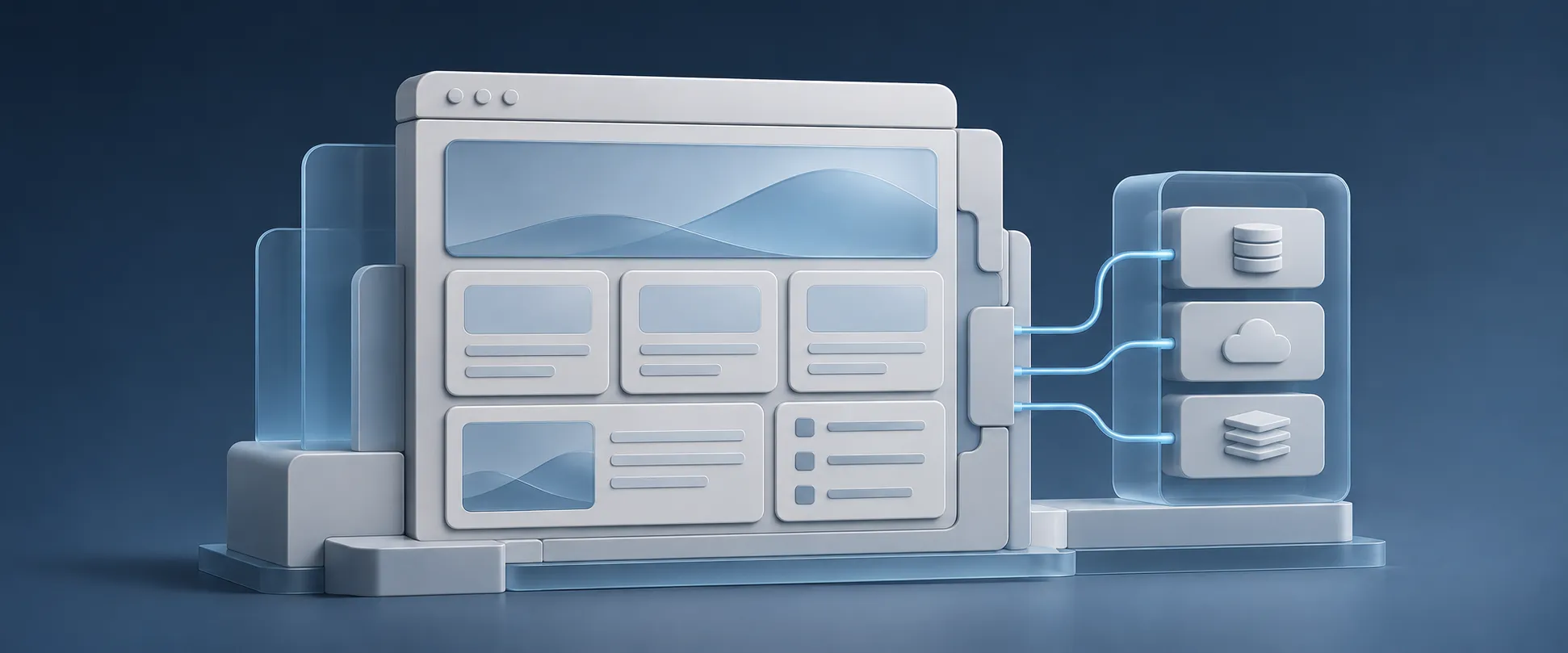
Conceptual illustration · Custom WordPress
WordPress
PHP
APIs
JavaScript
ACF
Understand the subject
What is custom WordPress development?
Custom WordPress development adds behavior or content structures that a standard theme and configuration do not provide. It can involve a plugin, a tailored content model, a theme template, an API integration, or a combination of those pieces.
A theme primarily controls presentation. A plugin can carry business functionality independently of the active theme, using WordPress extension points instead of editing core files. Custom post types and fields can describe resources, partners, products, or other information in a form that matches how the organization works.
Integrations connect that content system to other software. WordPress can expose data through its REST API or call a backend service for information. The important work is defining which system owns the data, who may access it, how it is validated, and what happens when a request fails.
Benefits & impact
Why it matters to the business.
Fit the feature to the business process
A custom feature can implement a specific validation rule, customer interaction, or integration instead of forcing the requirement into a collection of loosely related plugins.
Business impactA narrower implementation can be easier to explain and verify. The scope should still account for whether a well-supported existing extension already solves the problem.
Give editors a clearer content model
Defined content types, fields, and relationships make information more structured than a set of unrelated page layouts. Templates can then use those records for listings, details, and filters.
Business impactEditors can update the underlying information in a more predictable way, while developers maintain how the information appears and how visitors find it.
Connect the website to the systems behind it
An API integration can let a website use information or functions supplied by a business application. The integration needs a defined request, response, authentication model, and failure behavior.
Business impactThe public experience can reflect the business workflow with clearer ownership of the source data. It also introduces dependencies that need monitoring and support.
Make the right choice
When to use it.
When it is a good fit
A specific requirement is missing from the existing site
Custom work fits when a repeatable business need cannot be met cleanly by configuration or a suitable maintained extension. A concrete example of the expected behavior helps define the scope.
Content needs relationships, discovery, or reuse
Resource libraries, partner directories, and filtered listings benefit from a deliberate content model. Search and filtering should follow the actual relationships and the information visitors need.
WordPress needs to communicate with a business service
A custom integration can fit when there is a defined backend capability, an agreed data contract, and an owner for both ends. Access and error handling need to be part of the estimate.
Tradeoffs and responsibilities
Custom code creates a maintenance responsibility
The implementation needs documentation, a support owner, and checks as WordPress, PHP, dependencies, and external APIs change. Fewer plugins does not automatically mean a safer or cheaper system.
Security belongs in the feature design
Capability checks, input validation, output escaping, and appropriate request protection need to match the operation. A request token is not a replacement for authorization, and API credentials should not be exposed in browser code.
Keep WordPress in the right role
Some business rules and sensitive operations belong in a backend service. The website can provide the interface while the owning application enforces its data and access rules.
The problem
The website needs to do more than publish pages.
A website may need information from business services, custom customer interactions, or content discovery that a standard theme does not provide. Those requirements connect WordPress development to application behavior and data.
The work starts by understanding the request, the information it needs, and the response a visitor should receive. A custom plugin or integration also needs to fit the existing website and remain supportable.
The approach
How I approached the work.
01
Connect WordPress to business services
The custom plugins at Stack’s Bowers connected website functionality to backend services through APIs. This combined PHP plugin development with an understanding of the business applications supplying the data.
02
Handle customer interactions carefully
My WordPress work at Stack’s Bowers also includes email-preference interactions and Want List functionality. Request validation, error handling, and useful empty states were part of the customer-facing PHP and JavaScript work.
03
Support content discovery
At Get Network Visibility, my search and filtering work includes PHP resource and partner templates, request parameters, content relationships, database queries, and pagination. The work builds on the existing FINNPartners-credited theme and framework.
04
Maintain the surrounding platform
These contributions sit alongside form integrations, styling, security-related work, and continued support. Understanding the website beyond one feature helps when a problem spans templates, plugins, integrations, and hosting.
What this means for your project
Build the feature around the whole data flow.
Custom WordPress work benefits from the same care as other application engineering: understand the inputs, business rules, service responses, and visitor experience. A plugin is one part of that system.